Post-Graduation Subscription Cleanup: What to Cancel and What to Keep
Student discounts expire silently. Spotify Student becomes $11.99/mo, GitHub Student ends, Adobe hits full price. Here's the full graduation cleanup checklist.
Saidul Islam
Author
Graduation is expensive in ways nobody warns you about.
Not just the cost of the ceremony, or the move, or the first month's deposit on your new apartment. The hidden cost is in your subscription stack — a collection of student-discounted and student-free services that will, over the next six to twelve months, quietly convert to full price.
Most of them won't notify you. They'll just charge the new rate. And if you're not watching your statements carefully during the chaos of starting a new job and figuring out your life, you'll pay full price for a year before you notice.
This is the graduation subscription cleanup guide. Concrete services, concrete price differences, and a clear framework for what to keep versus what to cut.
The Silent Upgrade Trap
Student pricing works because it creates a habit before you can afford to pay full price. The theory is that by the time you graduate and lose the discount, you're dependent enough on the service to keep paying.
That theory is correct. Most people do keep paying. But they often pay for services they're no longer using at the same rate they were in school.
A service you used six days a week in college — surrounded by dorms, libraries, and the built-in social infrastructure of a campus — might only get used twice a month in your new life. The habit doesn't transfer perfectly. But the subscription does.
Spotify Student vs. Full Price
Student price: $5.99/month (requires annual .edu verification) Full price: $11.99/month (Individual) or $16.99/month (Duo) or $17.99/month (Family)
The jump from $5.99 to $11.99 is the first thing most graduates notice. That's $72/year more for the exact same service.
The question is whether Spotify earns its keep at $11.99. Run the cost-per-use method: if you listen daily (30+ sessions/month), $11.99/month is $0.40/session. Grade A. Keep it.
But here's the better math: if you share with one other person, Spotify Duo at $16.99 splits to $8.50 each — cheaper than individual pricing. Family plan at $17.99 for up to 6 people splits to under $3 each. If you have a partner, a sibling, or a friend who wants in, the family plan is the cheapest option available regardless of your student status.
Action: If you're using Spotify daily, keep it — but look at Duo or Family plans. If you've drifted to podcasts or YouTube Music, cancel and come back if you miss it.
Apple Music Student vs. Full Price
Student price: $5.99/month Full price: $10.99/month (Individual) or $16.99/month (Family)
Same story as Spotify. The student discount is exactly 45% off. The library and features are roughly comparable to Spotify. If you're already in the Apple ecosystem and use AirPods or Apple Watch, Apple Music's integration is genuinely better.
If you're currently on Spotify Student and switching to post-grad pricing: this is the moment to decide which streaming music service you actually want. Don't default into full-price Spotify if Apple Music would serve you equally well at a lower cost, or vice versa.
Action: Pick one music streaming service. Don't pay for both. If you're undecided, try Apple Music via Apple One (below) before committing.
GitHub Student Developer Pack
Student price: Free access to a collection of developer tools (GitHub Pro, AWS credits, DigitalOcean credits, domain names, Canva Pro, and dozens more) Full price: GitHub Pro at $4/month; other tools at their standard rates
The GitHub Student Pack is one of the genuinely best deals in education. GitHub Pro alone (unlimited private repos, advanced insights, GitHub Actions minutes) is $4/month for graduates.
The tools in the pack that expire: JetBrains IDEs (normally $70–250/year depending on the suite), Canva Pro (normally $169/year), Namecheap domain credit, MongoDB Atlas credit, and about forty others.
Most graduates use maybe three or four of these tools actively. The ones worth paying for:
- GitHub Pro ($4/month): If you're a developer, this is trivially worth it. Private repos and Actions minutes alone justify it.
- JetBrains ($70–250/year): Only if you actively use their IDEs (IntelliJ, PyCharm, WebStorm, etc.). VS Code is free and excellent for many workflows.
- Canva Pro ($169/year): Only if you do regular design work. The free tier is substantial.
Action: Check your GitHub Student Pack and list exactly which tools you're actively using. Pay for those individually. Don't pay for the rest.
Adobe Creative Cloud Student vs. Full Price
Student price: $19.99/month (first year), $29.99/month (second year) Full price: $54.99/month (All Apps) or $20.99/month (single app)
This is the brutal one. Adobe's full-price Creative Cloud is more than double the student rate. For a designer, photographer, or video editor who uses Adobe tools daily, $54.99/month is defensible — it's less than a single freelance hour. For someone who uses Photoshop occasionally and kept the subscription out of habit, it's $659/year of waste.
The question to ask yourself: am I using Adobe tools in my new job or in professional work? If yes, your employer might cover it. If no, what specifically are you using Adobe for?
Alternatives worth considering before paying full Adobe price:
- Figma (free tier generous, $12/month Pro) — for UI/design work
- Affinity Suite (one-time purchase, $169.99) — Photoshop/Illustrator/InDesign equivalent
- DaVinci Resolve (free for most features) — professional video editing
- GIMP (free) — for casual image editing
Action: If your employer doesn't cover Adobe and you're not freelancing with it, this is the most expensive student subscription to cancel. Try the alternatives first.
Microsoft 365 / Office Student vs. Full Price
Student price: Free through most universities (via campus license) or $2.99/month for students Full price: $9.99/month (Personal) or $12.99/month (Family, up to 6 users)
Most university Microsoft 365 access ends with graduation. The Family plan ($12.99/month for six people) is $2.17/person — if you can assemble five others to share it, that's cheaper than many individual alternatives.
If you're starting a job at a company that provides Office 365, you don't need a personal subscription.
Action: Check whether your new employer provides Office 365. If yes, cancel your personal subscription. If no, go straight to the Family plan and split with others.
Notion Student vs. Full Price
Student price: Free (Notion Education Plan with unlimited AI trial) Full price: $10/month (Plus) or $15/month (Business)
Notion's free tier for individuals is actually quite generous — unlimited pages and blocks for personal use. The paid tiers add team collaboration, unlimited file uploads, and admin features that most individuals don't need.
If you were using Notion with student groups or campus organizations (where you needed team features), those features might no longer matter. Individual use can often stay on the free tier.
Action: Audit whether you need the features in your paid tier. Most graduates don't.
The Apple One Question
Apple One bundles Apple Music, Apple TV+, Apple Arcade, iCloud+, Apple Fitness+, and Apple News+ starting at $37.95/month (Premier tier). Individual tier is $21.95/month for Music + TV+ + Arcade + 50GB iCloud.
If you're paying separately for Apple Music ($10.99) + iCloud 200GB ($2.99) + Apple TV+ ($9.99), that's $23.97/month already. Apple One Individual at $21.95 is actually cheaper and adds Apple Arcade.
The trap: Apple One also makes it easy to feel like you're getting value from Apple Fitness+ and Apple TV+ when you're not really using them. Price out what you actually use.
Action: Add up your individual Apple services. If the bundle is cheaper, switch. Don't add services you don't use to "get more value from the bundle."
The 90-Day Rule
After graduation, some subscriptions get genuinely less useful because the context changes. Campus-specific apps, research databases, student news sites, academic journal access — these are obvious cuts.
But other subscriptions become more or differently useful post-grad. Your relationship with fitness apps might change. You might use a meal planning app more when you're cooking for yourself. Podcast subscriptions that were background noise during commutes become more valuable.
Give yourself 90 days to see what your new life actually looks like before locking into a subscription stack. What you need at 22 and in college is different from what you need at 22 with a job and a lease.
The Practical Checklist
Work through this:
- List every subscription currently charging you (check all credit and debit cards, PayPal, and the App Store subscription management screen in iOS Settings)
- Flag everything tagged as "student" or discounted for education — those are converting soon if they haven't already
- Check your .edu email — when it expires, student verification fails and prices go up automatically
- Run the cost-per-use calculation on anything you're uncertain about
- Cancel anything that grades D or F at the new pricing
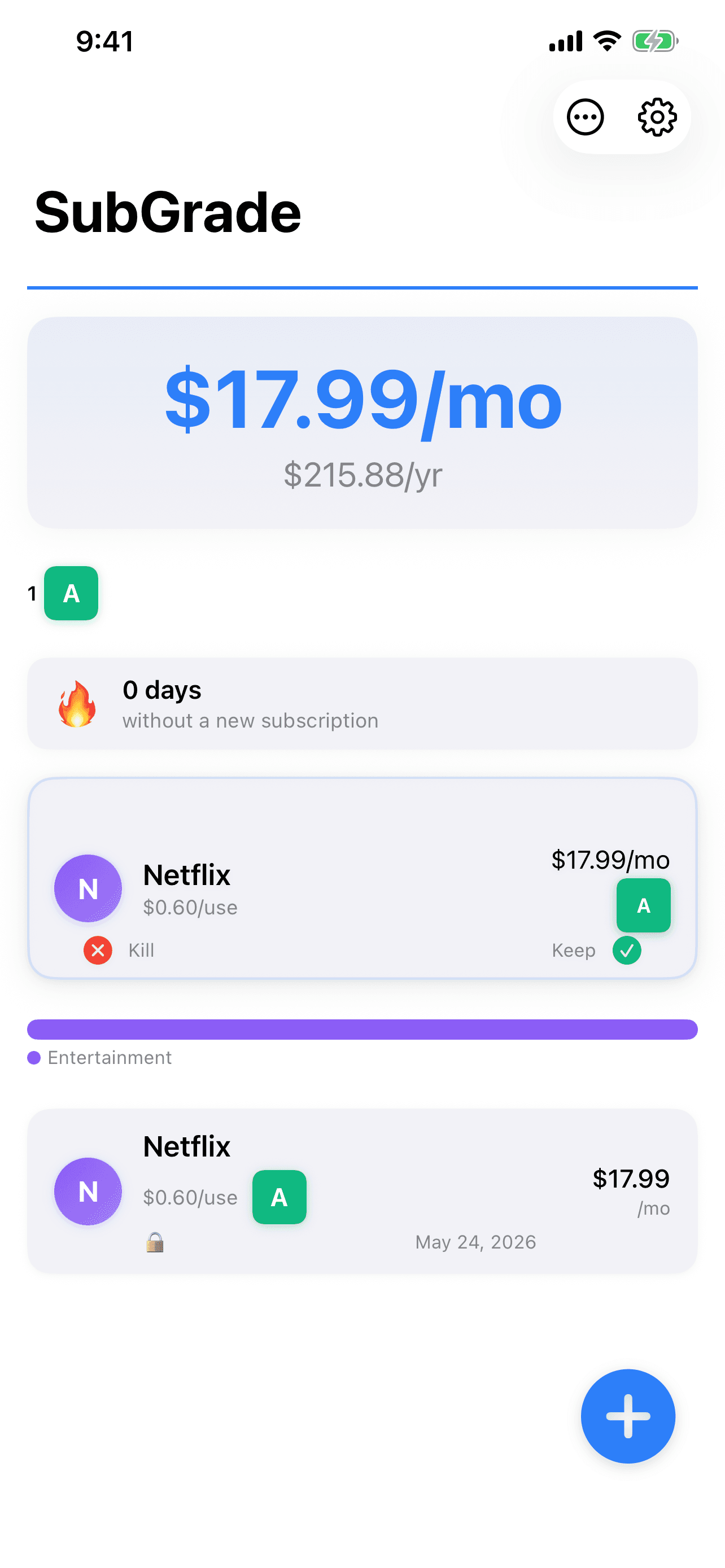
SubGrade is useful here specifically because it tracks upcoming billing dates. If your student pricing is ending in 60 days, you'll see it flagged. That gives you time to decide before you're charged the new rate.
The goal isn't to minimize spending — it's to make sure every dollar is going somewhere you've deliberately chosen. That's the difference between subscriptions you own and subscriptions that own you.
One useful thing a week. Nothing else.
I test these tools on real work and write up what actually held up. No roundups I have not used, no affiliate padding. Unsubscribe in one click.