Free guide / 14 pages, PDF
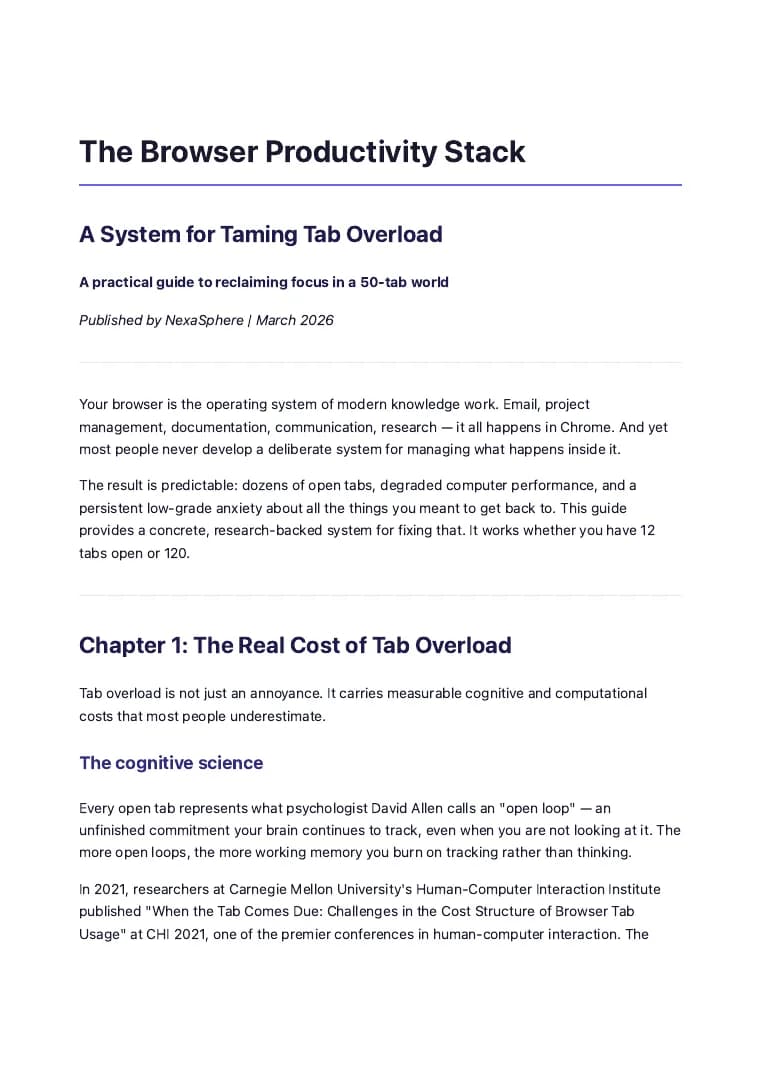
The Browser Productivity Stack
A research-backed system for tab overload, a faster browser and fewer lost hours, built on cognitive science studies from Carnegie Mellon and UC Irvine.
Get the free guide
Instant download. No spam. Unsubscribe any time.
- 7 chapters
- Peer-reviewed sources
- Every shortcut checked
01What is inside
Seven chapters on taking back the browser.
- 01
The real cost of tab overload
What cognitive science says about the mental tax of too many open tabs.
- 02
The 3 types of tabs and how to handle each
Active, reference and aspirational tabs each need a different strategy.
- 03
Chrome shortcuts worth learning
Keyboard shortcuts checked against the Chrome help center.
- 04
Extension audit guide
How to find the extensions that eat memory and slow your browser.
- 05
The workspace approach
Chrome profiles, session management and organizing work by context.
- 06
When manual systems break
The limits of willpower-based tab management, and what comes next.
- 07
Your browser productivity checklist
A step-by-step plan to take back your browser and your focus this week.
02The numbers
Two findings the guide builds on.
- 23 min
average time to get back to a task after an interruption
Source: Gloria Mark, UC Irvine
- Over half
of the people surveyed felt they could not close any of their tabs
Source: Carnegie Mellon, CHI 2021
03Who it is for
Who gets the most from it.
- Knowledge workers juggling research, docs and communication tabs
- Researchers managing dozens of sources across projects
- Students moving between course materials and references
- Developers with tabs for docs, dashboards and pull requests
- Anyone with 20 or more tabs open right now
Get the guide.
Stop letting tab overload drain your focus. Get the system and take back your browser today.