The WFH App Subscription Trap: How Many Tools Are You Actually Using?
Zoom + Notion + Loom + Slack + Figma can hit $100/mo without trying. Remote workers quietly accumulate tool subscriptions. Here's how to audit them.
Saidul Islam
Author
There's a specific way remote work breaks your subscription budget and it has nothing to do with entertainment.
When you work in an office, your employer pays for the tools. Slack, Notion, Zoom, Figma, whatever else your team uses — it's on the company card. You don't see the cost, you don't think about the cost.
When you work from home — especially if you're freelance, consulting, or running any kind of side project — you start paying for tools yourself. Often without a clear plan, and often overlapping with tools your employer is already providing.
The result: remote workers who've been at home for two or three years often have personal subscriptions to tools they don't fully use, alongside employer subscriptions to overlapping tools they use at work, alongside tools they signed up for during a productive afternoon and never opened again.
Let's go through the common ones.
Zoom ($15.99/month, Pro)
Zoom's free tier limits you to 40-minute meetings. Zoom Pro removes the cap and adds cloud recording, admin controls, and some scheduling features.
If you're a freelancer who meets with clients regularly, Zoom Pro is almost certainly worth $15.99/month. You probably couldn't run your business without it, and the cost-per-meeting is low — ten client calls a month is $1.60 each.
But here's the thing most WFH employees don't notice: your employer almost certainly provides Zoom or a Zoom equivalent through their account. If you're dialing into your company's Zoom calls, you don't need your own paid account. The host (your employer) pays. You just join.
The waste pattern: someone signs up for Zoom Pro when they start freelancing, then gets a full-time remote job, and keeps the personal Pro subscription for years without ever hosting their own meetings.
The question: Do you actually host calls? Or do you primarily join others' calls? If the latter, cancel your paid Zoom subscription.
Alternative: If you need to host calls on a budget, Google Meet (free), Whereby (free tier), or Microsoft Teams (free tier) all do the job for individual users.
Notion ($10/month, Plus)
Notion's free tier is generous — unlimited pages and blocks for individual use. The Plus plan at $10/month adds unlimited file uploads, guest access, and version history.
Most individual users on the Plus plan are paying for features they don't need. File upload limits rarely hit single users. Guest access matters if you're sharing workspaces with clients or collaborators. Version history is genuinely useful if you write long documents and make mistakes.
The WFH trap: people sign up for Notion Plus during an enthusiastic productivity sprint, build an elaborate system, then quietly abandon the system while keeping the subscription.
Notion is also frequently provided by employers. If your company uses Notion for team wikis, you likely have a seat on their plan already. You don't need your own.
The question: What specifically are you using that the free tier doesn't provide? If you can't answer concretely, you're on Plus out of habit.
Loom ($15/month, Business)
Loom is genuinely useful for async communication — recording a quick screen capture instead of writing a three-paragraph email. If you use it actively (five or more recordings a month that you actually send to people), it's valuable.
The free tier limit is 25 videos at 5 minutes each. For casual users, that's enough.
The paid tier makes sense for consultants who send client deliverable videos, remote managers who do async feedback, or salespeople doing personalized outreach. For everyone else, the free tier is sufficient.
The question: How many Loom videos did you record last month? How many of those would you have sent without Loom (i.e., written an email instead)? If the answer is fewer than five Looms/month, you're paying $15/month for feature insurance you don't use.
Slack ($7.25/month, Pro)
Slack Pro is almost never a personal subscription — it's team software. If you're paying for Slack personally, it's either for a side project team or a community you're part of.
For side project teams, Slack's free tier (90-day message history) is usually fine in the early stages. You hit the limit when you're coordinating actively enough that losing message history actually costs you something.
If you're in a paid Slack community ($X/month for a community that charges for membership), that's a lifestyle subscription — worth evaluating whether the community is actually valuable to you using the cost-per-use method.
The question: Who are you Slacking with on your personal subscription? If it's just your side project team, start with the free tier.
Figma ($15/month, Professional)
Figma's free tier gives you three active files. The Professional tier gives you unlimited files, version history, shared libraries, and admin features.
For freelance designers, $15/month is a no-brainer. You're almost certainly billing more than $15/hour, and Figma is fundamental to your work.
For non-designers who signed up to collaborate on design projects, view wireframes, or build personal project mockups — the free tier is almost certainly enough. Three active files is actually a lot if you're not actively designing.
The trap here is signing up when you're doing one intensive design project, then keeping the subscription long after that project is done.
The question: How many Figma files did you actively edit this month? If it's fewer than three, you don't need Professional.
The WFH Accumulation Pattern
What makes WFH tool subscriptions different from streaming subscriptions is the feeling of productivity they generate.
Paying for Notion feels like an investment in getting organized. Paying for Loom feels like an investment in professional communication. These aren't entertainment — they're tools. Tools feel more justifiable.
But a tool you're not using isn't an investment. It's a cost.
The accumulation pattern is predictable:
- You start a new project or job or side hustle
- You need tools, you sign up for everything you might need
- The project evolves, your actual workflow settles, and you end up using two or three things daily and the rest occasionally or never
- You keep everything because each individual cost seems reasonable
- Six months later you're paying $120/month for tools where you're actively using $40/month worth
Running the Audit
Apply the cost-per-use calculation to your tool stack:
Monthly cost ÷ number of meaningful uses = cost per session
"Meaningful use" for a work tool means actually using it to accomplish something — a Zoom call you hosted, a Notion page you edited, a Loom video you recorded and sent. Not opening the app and closing it.
At $10/month for Notion with 50 pages edited: $0.20/page. Grade A. At $10/month for Notion with 4 pages edited: $2.50/page. Grade B, but you might just need the free tier. At $15/month for Loom with 2 videos recorded: $7.50/video. Grade C — probably should cancel.
The grades tell you the financial reality. Then you make a judgment call.
What's Worth Keeping
Most remote workers genuinely need:
- One communication tool (usually provided by employer)
- One project/note tool (free tier of Notion, Obsidian free, or Apple Notes)
- One video call tool (usually provided by employer)
- One or two specialized tools specific to their work (Figma for designers, etc.)
Most don't need:
- Paid versions of tools their employer already provides
- Multiple overlapping note-taking apps
- Productivity apps that feel useful but whose output you never return to
- "Insurance" subscriptions for tools you might need someday
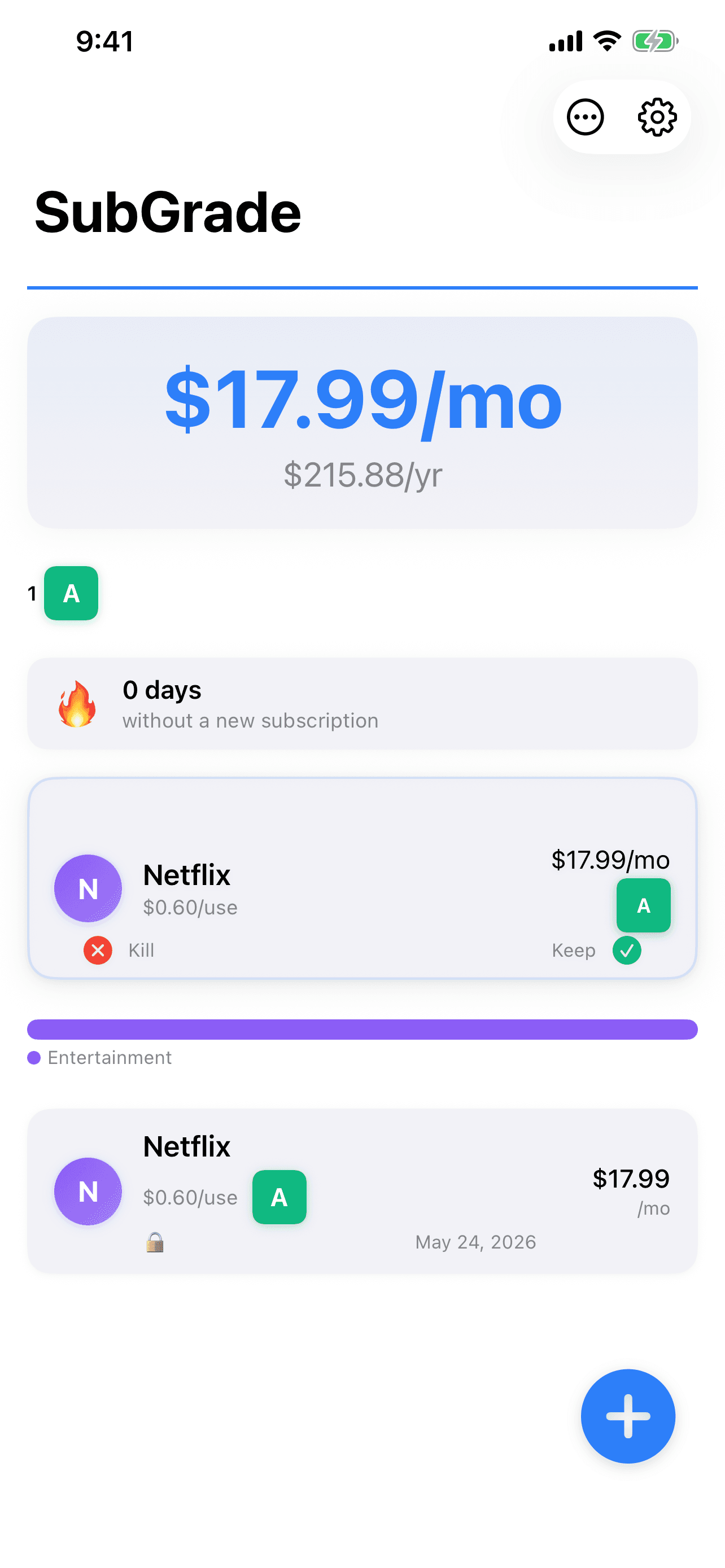
SubGrade tracks usage across your whole subscription stack — including work tools — so you can see at a glance which ones are pulling their weight and which are coasting on low individual prices that add up to something significant.
The WFH subscription trap isn't about any single tool. It's about the accumulation. Fourteen tools at $10/month each is $1,680/year. The ones you're actually using daily are worth every penny. The ones you opened twice and keep "just in case" are just costing you money.
Audit it. The math won't lie.
One useful thing a week. Nothing else.
I test these tools on real work and write up what actually held up. No roundups I have not used, no affiliate padding. Unsubscribe in one click.