TABFLOW49Limited to 500 licensesStop losing sales research in tab chaos
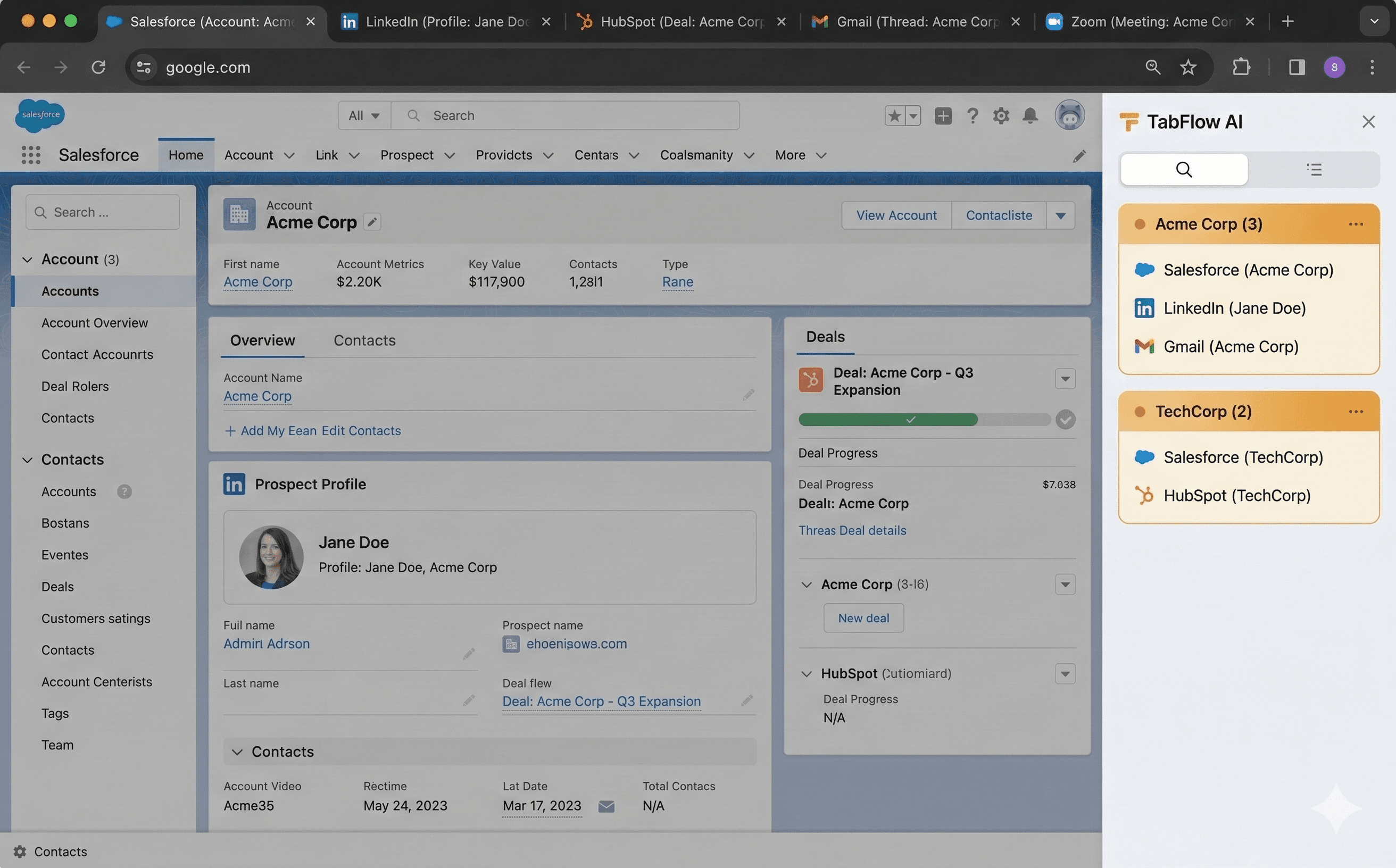
TabFlow AI auto-groups your browser tabs by deal, prospect, and workflow. Works with Salesforce, HubSpot, LinkedIn, Gmail — and keeps your data 100% local on your device.
Sound familiar?
30+ tabs open across Salesforce, LinkedIn, Gmail, HubSpot...
"Where was that prospect's profile?" — every single day
4+ hours/week lost to context switching between deals
From tab chaos to deal clarity in seconds
Install & Go
Add TabFlow AI to Chrome. No signup, no configuration. It starts working immediately.
Auto-Detects Your Tools
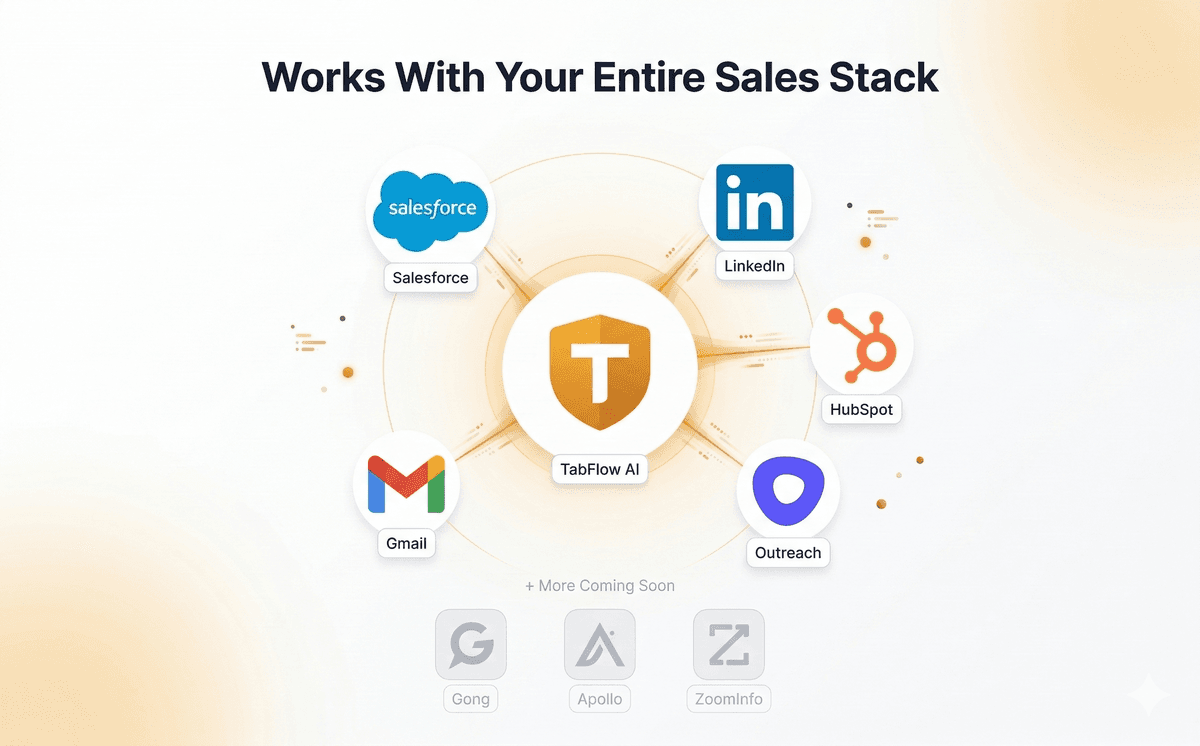
TabFlow recognizes Salesforce, HubSpot, LinkedIn, Gmail, and Outreach — automatically extracting deal and prospect info.
Tabs Group by Deal
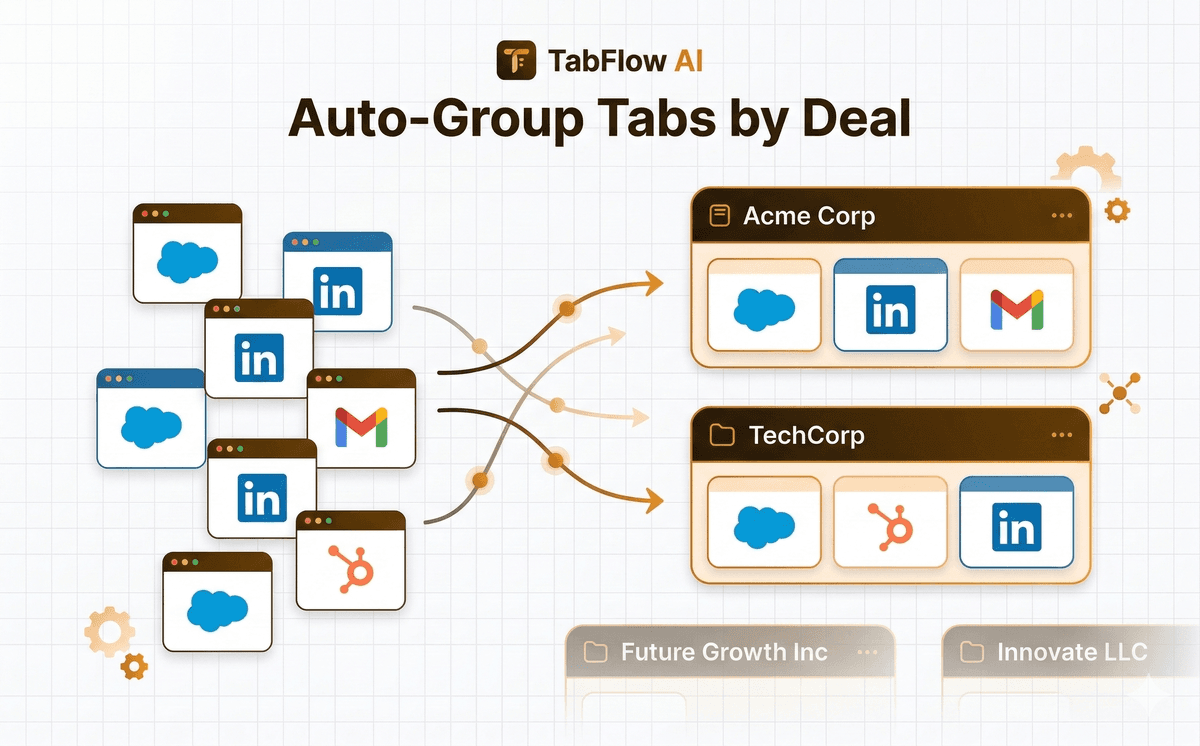
Related tabs are automatically grouped. Two LinkedIn profiles + a Salesforce opportunity for Acme Corp? One group.
Save & Restore Sessions
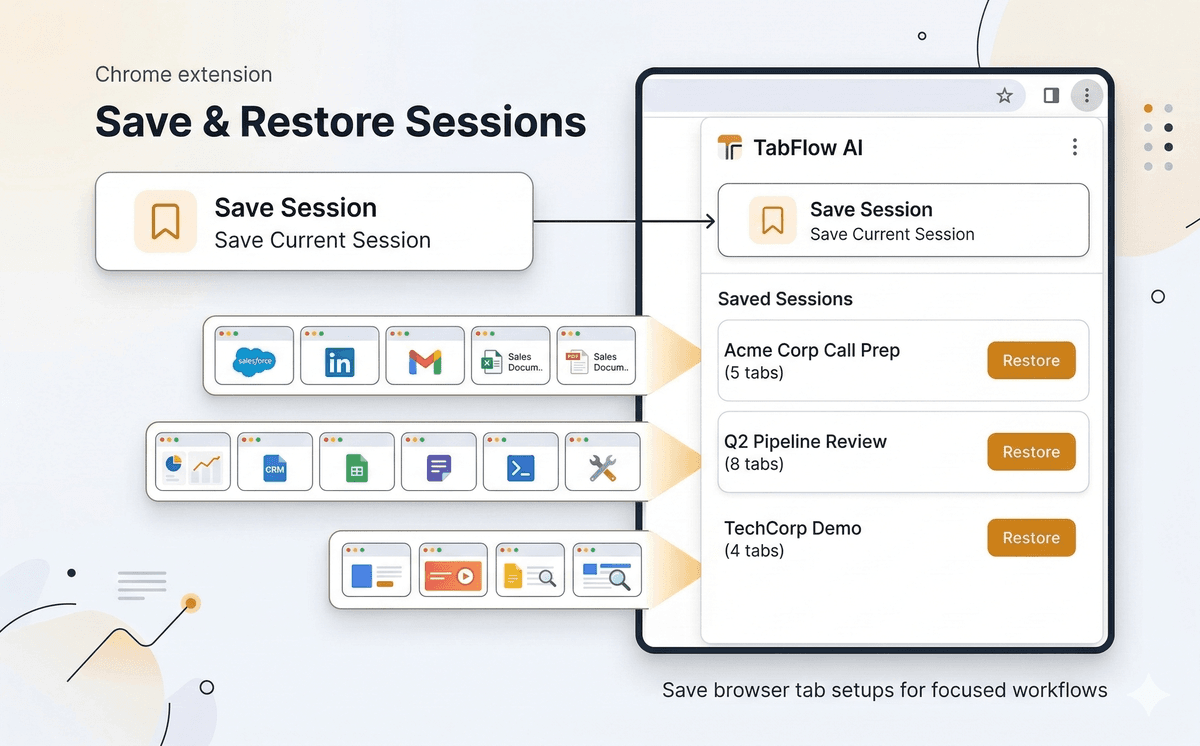
Save a deal's tab set before a call. Restore it next week in one click. Never rebuild context again.
Auto-Group Tabs by Deal
TabFlow detects your sales tools and automatically organizes tabs into deal-based groups. No manual sorting needed.
Save & Restore Sessions
Save your entire tab setup before a client call. Restore it in one click next week. Never rebuild context again.
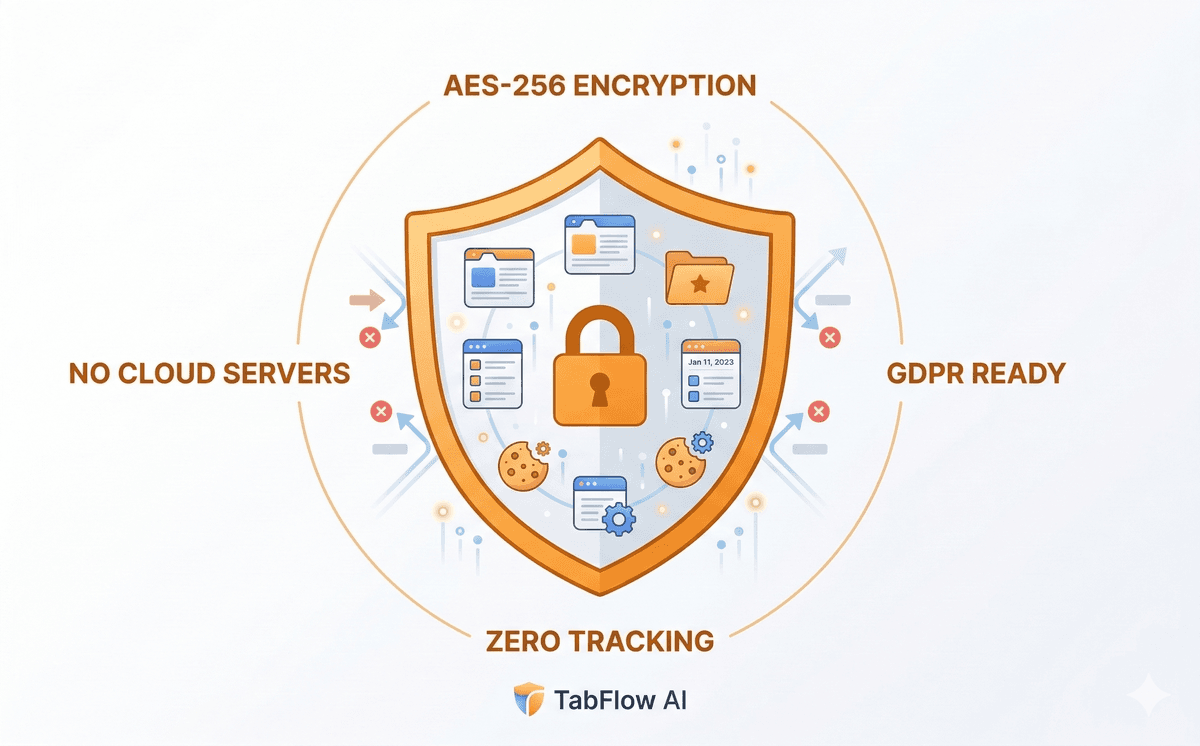
Privacy-First: 100% Local Data
All data stays in your browser with AES-256 encryption. No cloud servers, no tracking, GDPR-ready out of the box.
Everything a sales team needs
No other tab manager understands your CRM. TabFlow AI is the first browser extension built specifically for sales workflows.
Automatically detects Salesforce opportunities, HubSpot deals, LinkedIn profiles, and Gmail threads — groups them by deal or prospect.
A LinkedIn profile and a Salesforce contact for the same person? TabFlow merges them into one group automatically.
Save a deal's entire tab set before a meeting. Restore it in one click next week. Context preserved.
TabFlow learns your patterns. "You always open LinkedIn after Salesforce for this deal" — and suggests the next tab.
AES-256-GCM encryption at rest. No data leaves your browser. No servers, no analytics, no tracking. GDPR-ready.
Optionally creates native Chrome tab groups with color coding. Your tabs are organized both in the sidebar and the tab bar.
Simple, transparent pricing
Start free. Upgrade when your tab count proves the value.
Get Pro features forever. Limited to 500 licenses.
Get Lifetime Access — $49Perfect to try TabFlow with your daily workflow.
- 3 sales tools
- 25 tracked tabs
- 5 saved sessions
- Auto-grouping
- AES-256 encryption
- Unlimited tools
- Unlimited sessions
- Workflow suggestions
- Priority support
- Unlimited sales tools
- Unlimited tracked tabs
- Unlimited sessions
- Auto-grouping
- AES-256 encryption
- Workflow suggestions
- Priority support
- Team features
- Admin dashboard
For sales teams and RevOps leaders who want visibility.
- Everything in Pro
- Shared sessions
- Team analytics
- Admin dashboard
- SSO integration
- Onboarding support
- Custom integrations
- SLA guarantee
- Dedicated support
Common questions
Does TabFlow AI send my data to any server?
No. All data stays in your browser. There are no servers, no analytics, no tracking. Your tab data is encrypted with AES-256-GCM and stored locally using Chrome's storage API.
Which sales tools are supported?
Currently: Salesforce (Lightning + Classic), HubSpot, LinkedIn (profiles + companies + Sales Navigator), Gmail (thread detection), and Outreach. More tools (Gong, Apollo, ZoomInfo, SalesLoft) are coming in future updates.
How does auto-grouping work?
TabFlow detects when you open a sales tool page, extracts the entity (deal name, contact name, company name), and groups it with other tabs about the same entity. For example, a Salesforce opportunity and a LinkedIn profile for the same company merge into one group automatically.
What's the difference between Free and Pro?
Free gives you 3 sales tools, 25 tracked tabs, and 5 saved sessions — enough to prove the value. Pro unlocks unlimited everything, plus workflow suggestions and priority support.
What is the Lifetime Deal?
For $49 one-time, you get Pro features forever — no monthly payments. This is limited to 500 licenses and won't be offered again at this price.
Can I use TabFlow AI with my team?
The Team plan (coming soon) adds shared sessions, team analytics, and an admin dashboard. Individual Pro users can start immediately.
Ready to stop losing deals in tab chaos?
Join sales teams who save 4+ hours per week with TabFlow AI.
Free forever. No credit card required. Upgrade when you're ready.